Track your stocks and options across every account and currency.
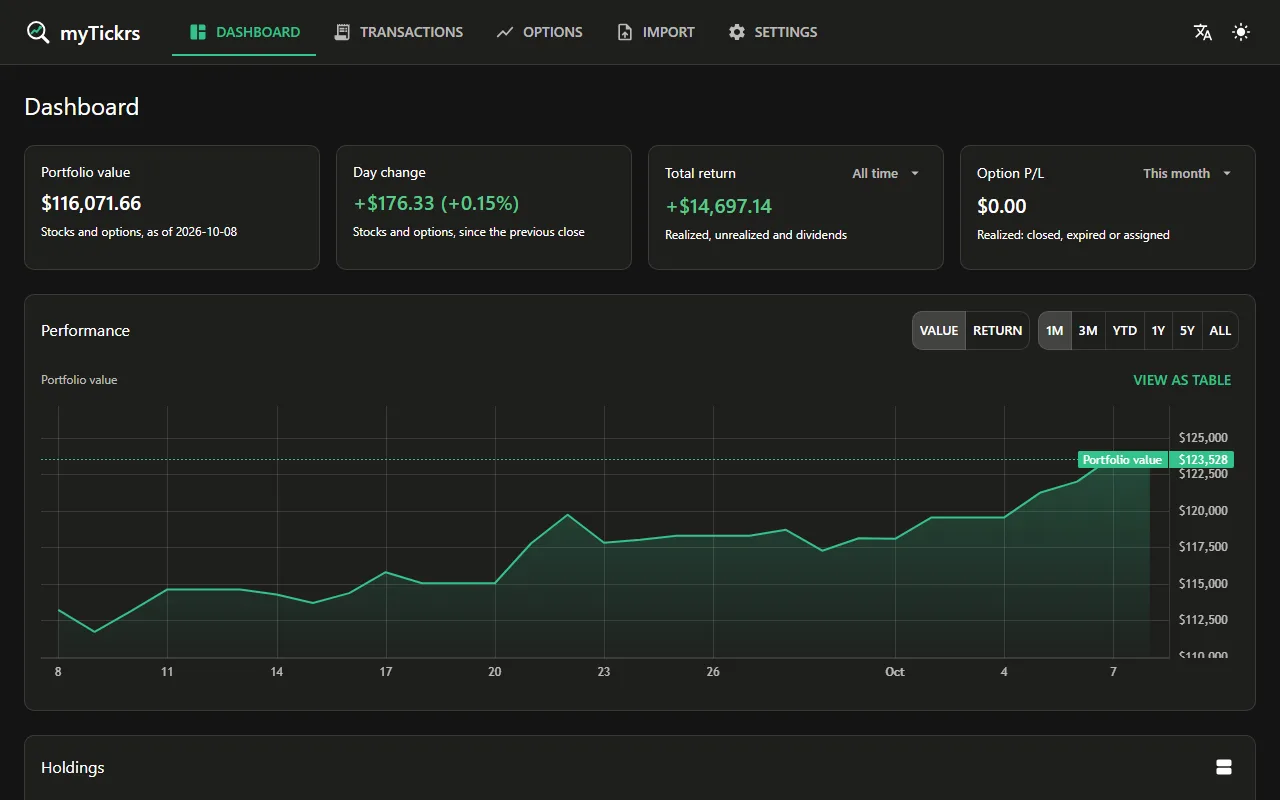
Start from a screenshot of your broker's positions page. myTickrs works out your cost basis, profit and loss, and returns, and follows options through assignment, expiry and rolls. Free, with no ads.
Works best on a larger screen for now. A phone layout is on the way.
Or download the desktop app: your data stays on your computer.
- Free
- No ads
- Source on GitHub
- Record-keeping only, not investment advice
- 42 marketsUS, Canada, UK, Europe, Japan, Hong Kong, China, Korea, India, Australia and more
- 9 languagesEnglish, 日本語, 한국어, 简体中文, 繁體中文, Deutsch, Français, Español, Italiano
- Options, start to finishAssignment, exercise, expiry and rolls
- $0, no adsDesktop and cloud, no subscription
Import
Your portfolio in, in five minutes.
- Take a screenshot.Of your broker's positions page, in its app or on its website.
- Check the rows.Each holding is listed with a checkbox. Rows the AI is unsure about start unticked, and the totals on your screenshot are shown next to the sum of the rows, so you can see nothing is missing.
- Save to a new account.Each holding becomes an opening trade and its realized P/L is carried in, so your gains so far count from day one.
CSV, JSON, XML, OFX and QFX files work too. Screenshots are read by AI through your myTickrs cloud account, 10 files a month, and the files aren't kept.
Options
Options tracking that follows the whole trade.
- Buy and sell to open and to close, on calls and puts.
- Assignment and exercise create the stock trade at the strike for you.
- Roll in one step: the old and new contracts are linked, with their combined P&L.
- Premium can roll into the stock's cost basis, or be tracked on its own. You choose.
- Days to expiry, premium and P&L on every open contract; expired ones are flagged.
- Covered calls, cash-secured puts, the wheel, spreads and condors, in 13 options markets.
An illustrative example.

Accounts and currencies
Every account. Every currency. One total.
- As many brokerage accounts as you have: TFSA, RRSP, margin, a second broker.
- Each account has its own currency. Tick several, and one account is made for each.
- See one account, or all of them, with holdings grouped by symbol or by account.
- Totals and charts in your base currency, at today's exchange rate.
- Fee schedules per account, worked out as you enter a trade.
Two editions, both free
Use it in your browser, or keep it on your computer.
Cloud
At mytickrs.app
- Start
- One click with Google or Microsoft
- Your data
- In your myTickrs cloud account, kept apart from every other user's
- Sign-in
- Google or Microsoft
- Devices
- Any computer with a browser
- Leaving
- Restore your data to the desktop edition at any time
- Extras
- Screenshot import included
Desktop
Windows, macOS and Linux
- Start
- One command in a terminal. It needs Node.js 24, and the installer offers to install it
- Your data
- In one SQLite file on your computer
- Sign-in
- None
- Devices
- Your own computer
- Leaving
- Copy the file
- Extras
- Optional sync and backup to the cloud; your own market-data keys
Paste this into a terminal:
irm https://files.mytickrs.app/install.ps1 | iex
Available for Windows, macOS and Linux.
Download instructions Read the install script firstPrivacy
Your money data, handled carefully.
On your computer
With the desktop edition, every trade, quantity and balance stays in one file on your machine. Only the tickers you hold go to the price providers you turn on.
In the cloud
Your accounts and trades are kept apart from other users' at the database level. Market-data keys are encrypted. Nothing is sold or shared.
AI import
A screenshot is sent to the AI model only to read your holdings, and isn't kept.
This website sets no cookies and loads no trackers. Security and privacy · Privacy policy
Source code
The code is on GitHub.
Read it
Every line that handles your data is public, so you can check what it stores and what it sends. AI coding agents help write it, and every change is reviewed before it ships.
Run it yourself
Clone the repository and run the desktop edition with Node.js 24. Your data stays in one file on your machine.
Report a problem
Found a bug or a wrong number? Open an issue on GitHub and it will be looked at.
Source-available under the PolyForm Noncommercial licence: free for personal use.
Questions
Is it really free?
Yes. There's nothing to pay in the desktop edition or the cloud, and no ads. The only limit is AI screenshot imports: 10 files a month per person, because each one costs real money.
Is it open source?
It's source-available. The code is public, so you can check what it does with your data and run it yourself for free. The licence (PolyForm Noncommercial) stops others from reselling it.
Where do prices come from?
Yahoo Finance by default, which needs no key but can lag. Free Finnhub and Twelve Data keys give fresher quotes. Prices may be delayed.
Does it connect to my broker?
No. myTickrs never asks for your broker login and never places trades. You add trades yourself, or import a screenshot or a file.
Can I leave anytime?
Yes. In the desktop edition your data is one file you can copy. Cloud data can be restored to the desktop edition at any time.
Is this investment or tax advice?
No. myTickrs is a record-keeping tool. It shows what you hold and what you've earned; it doesn't tell you what to buy or sell.
Get your portfolio in, in five minutes.
Free, with no ads. In your browser, or on your own computer.